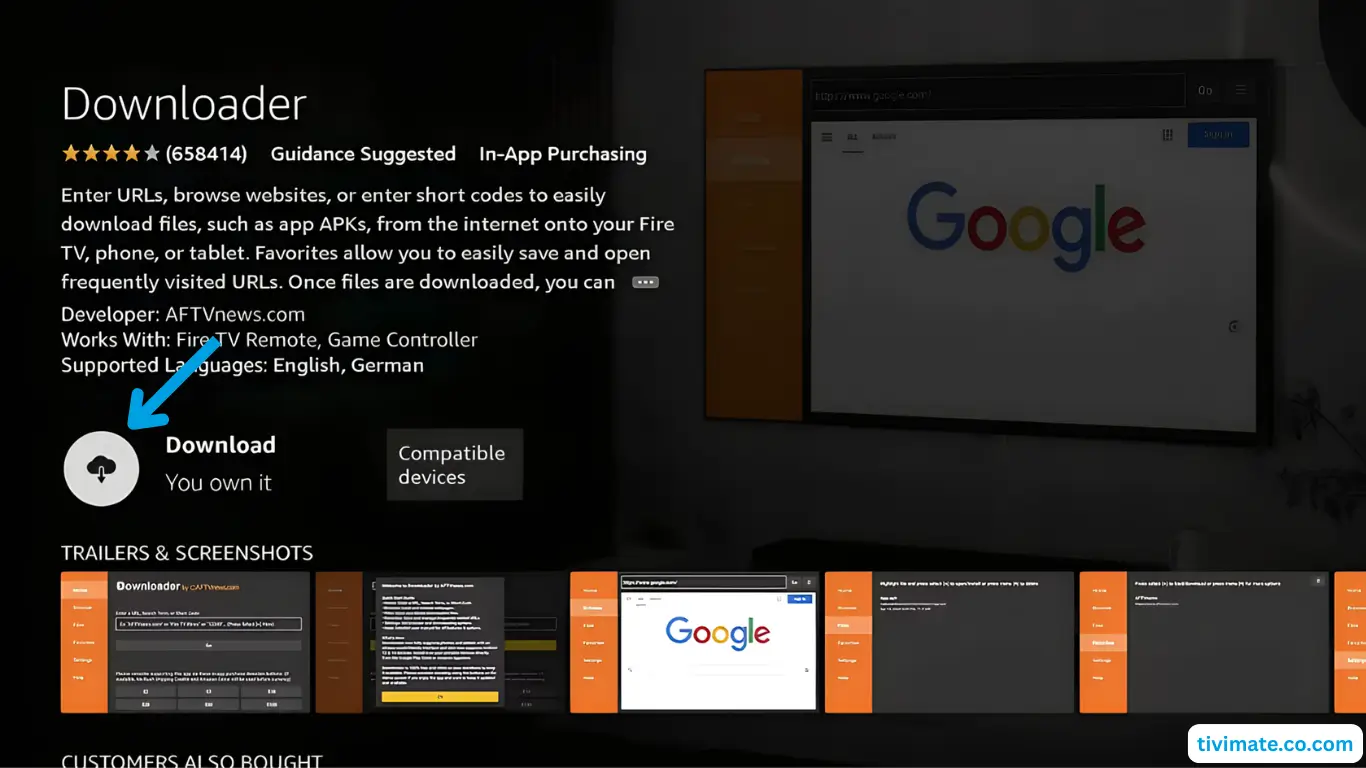
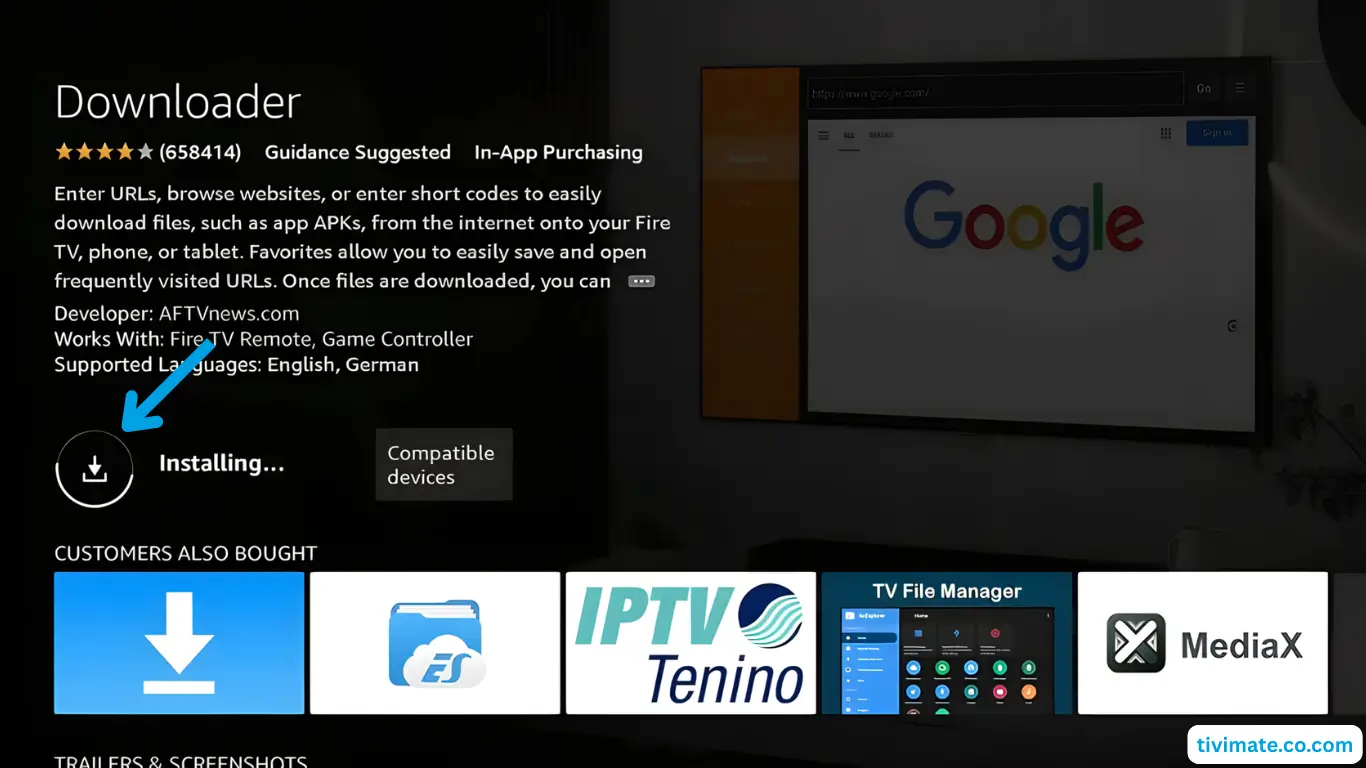
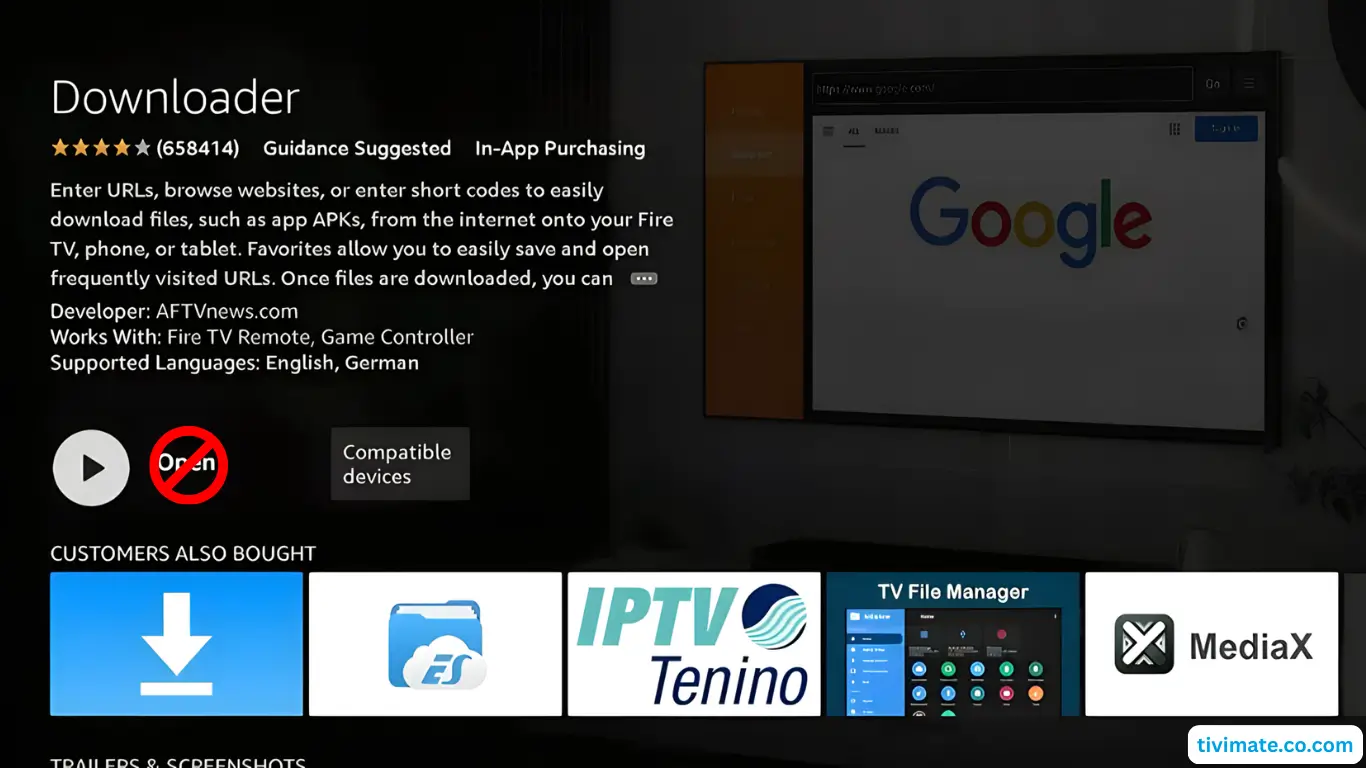
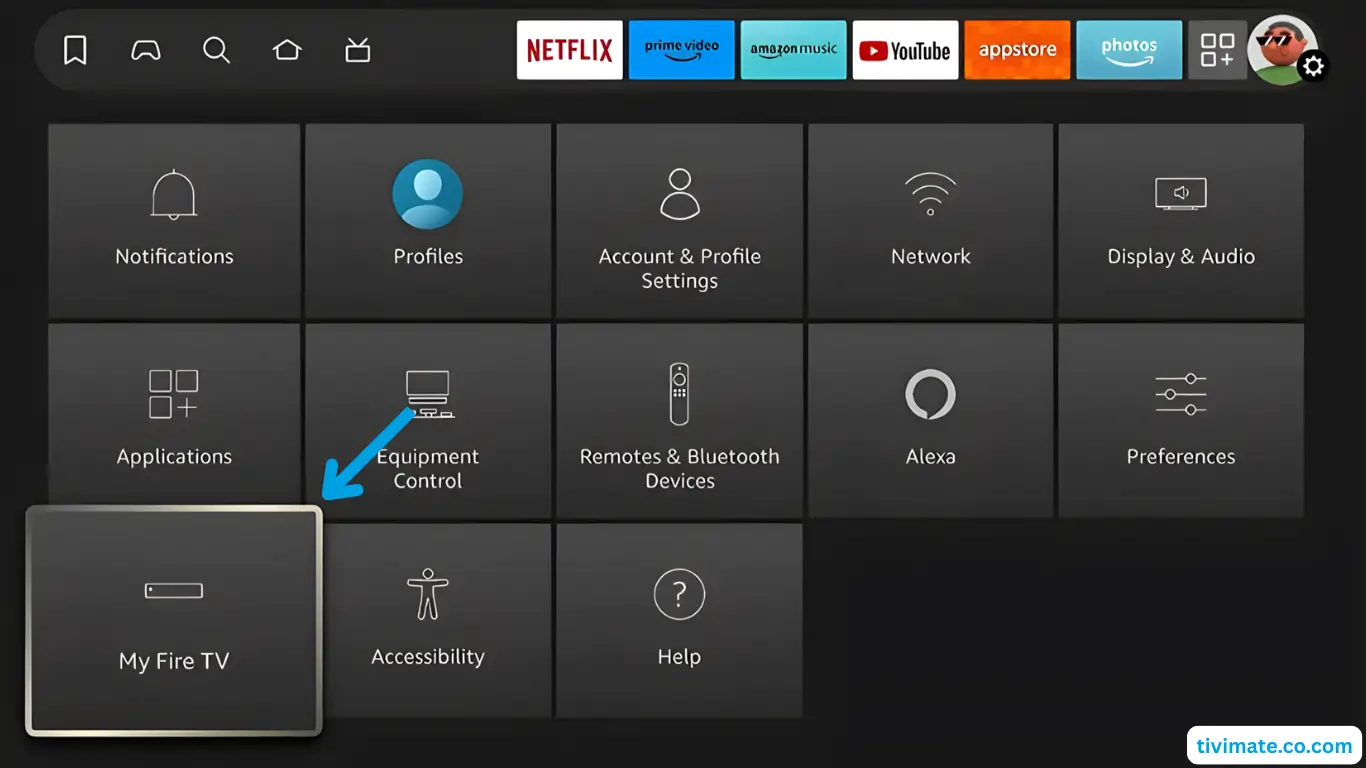
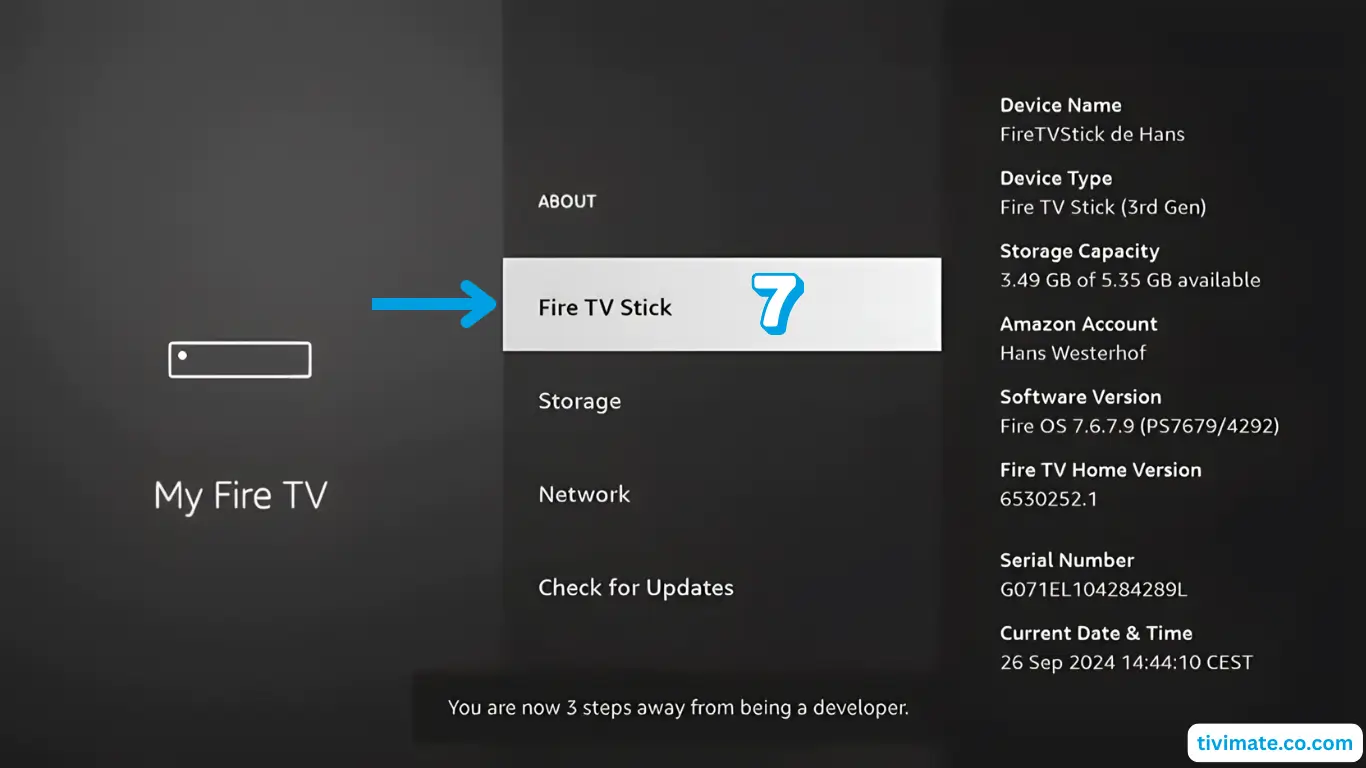
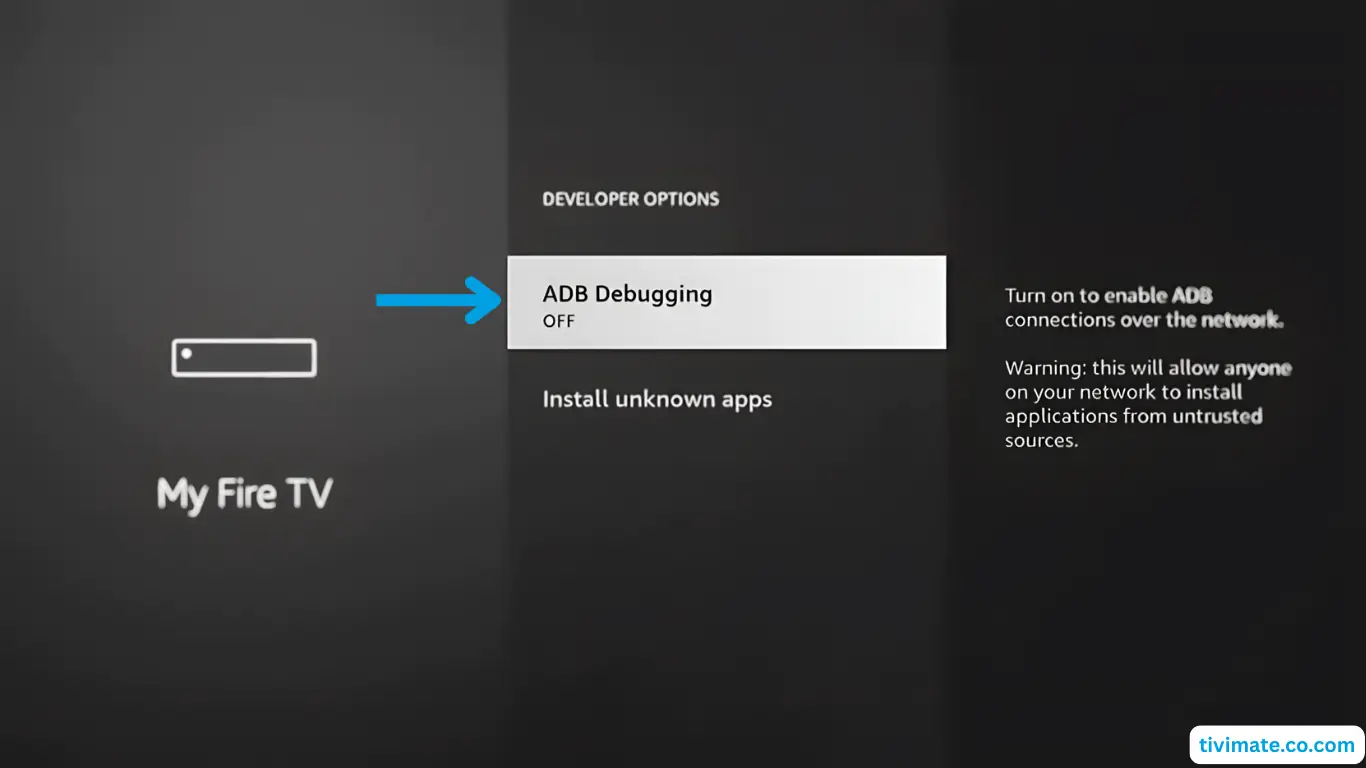
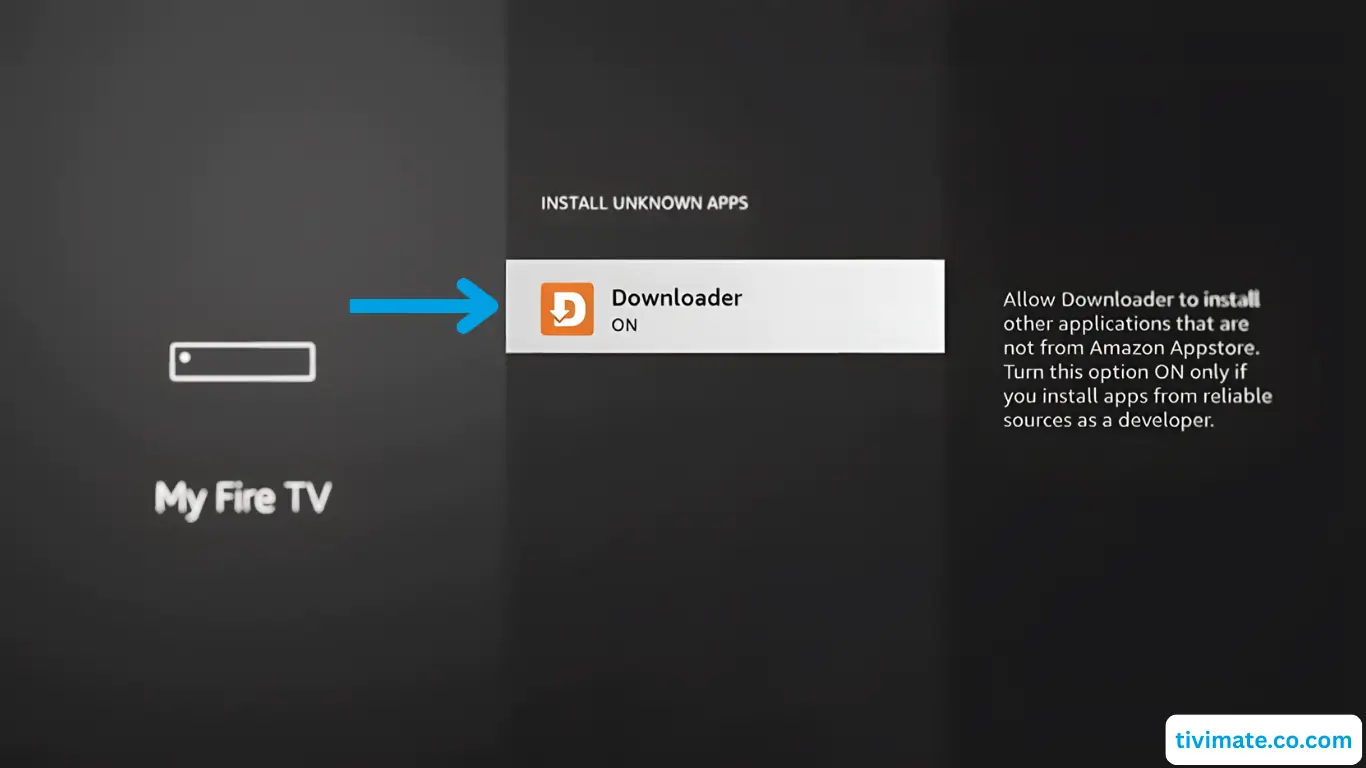
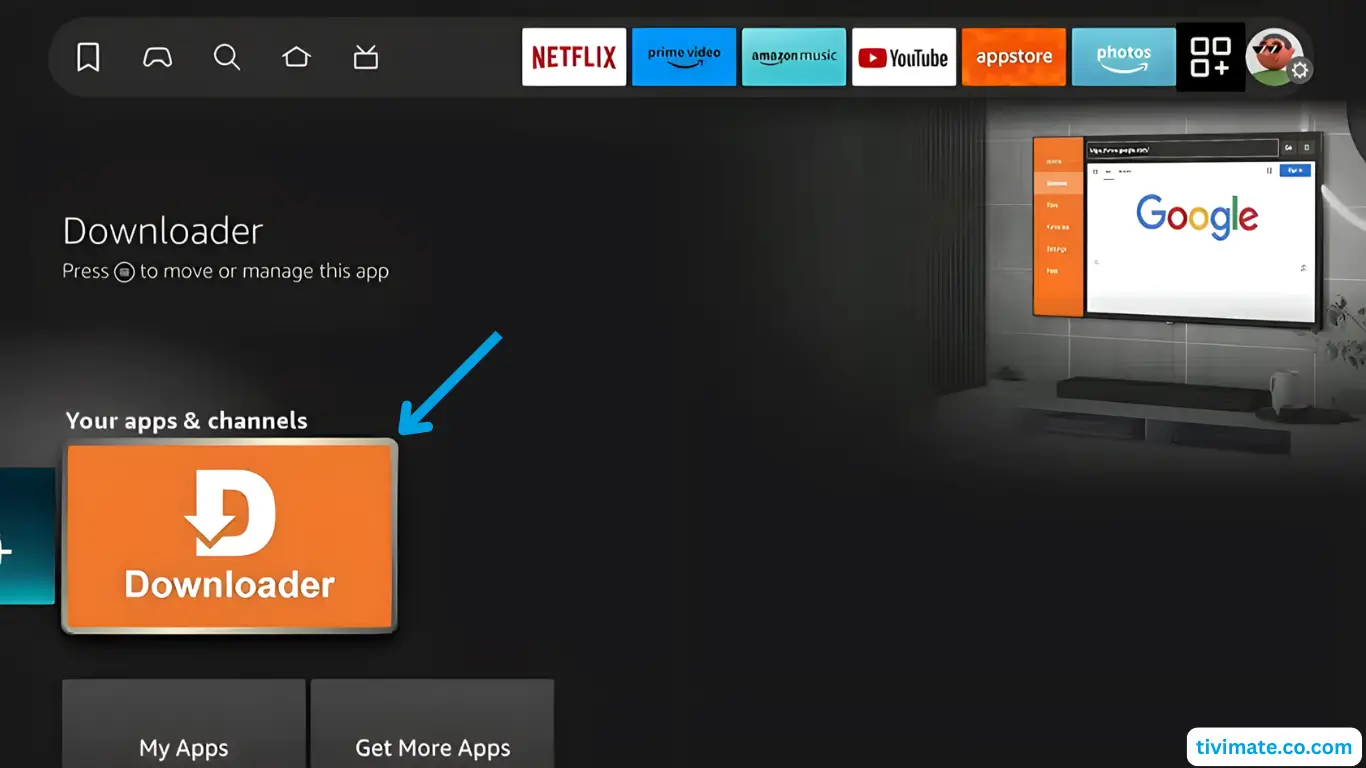
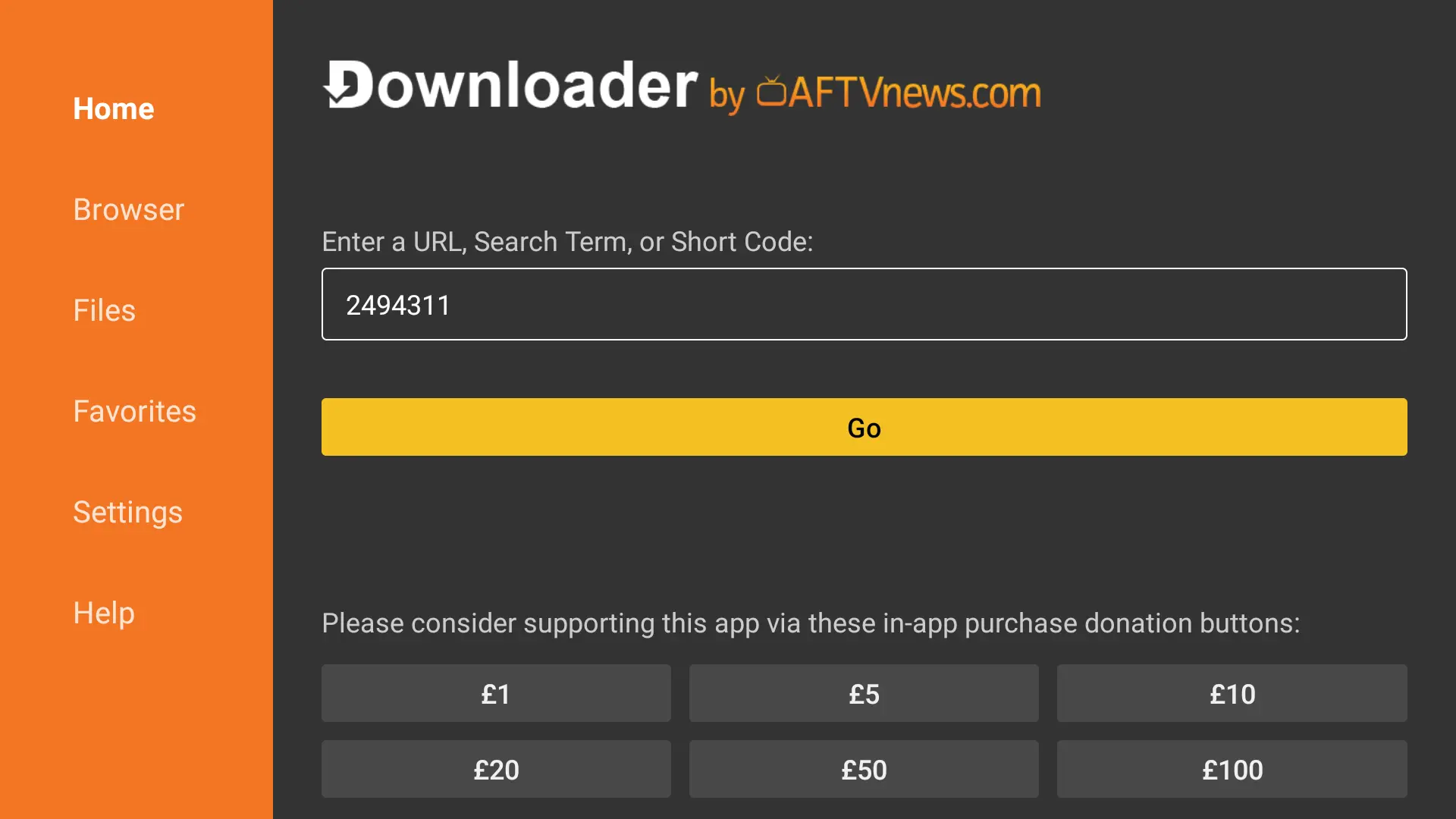
V12Mate shows only “Cancel” on Fire TV? Read the fix.
Which player should I use?
Your plan covers the channels. The player is a separate app made by another company, and we tell you the best one for your device.
Player
Best for
Cost
Good to know
V12Mate
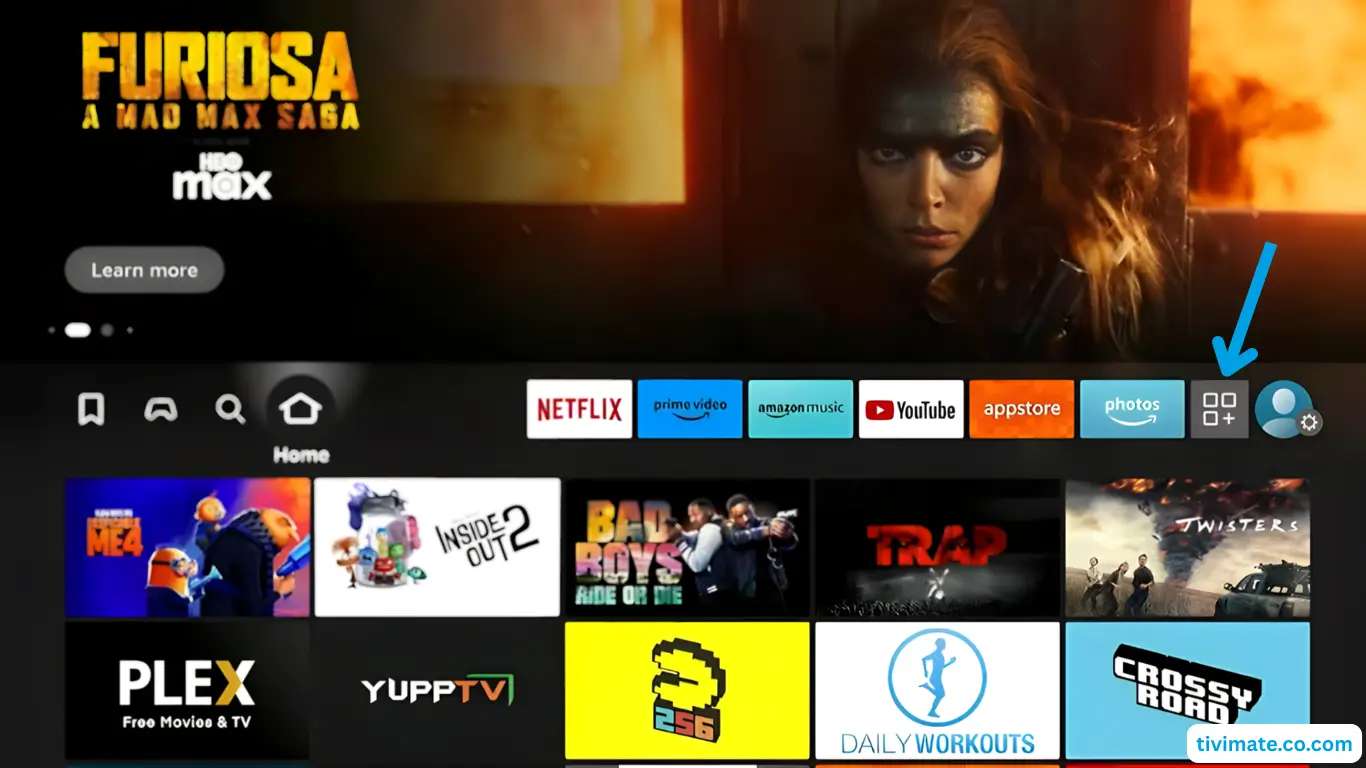
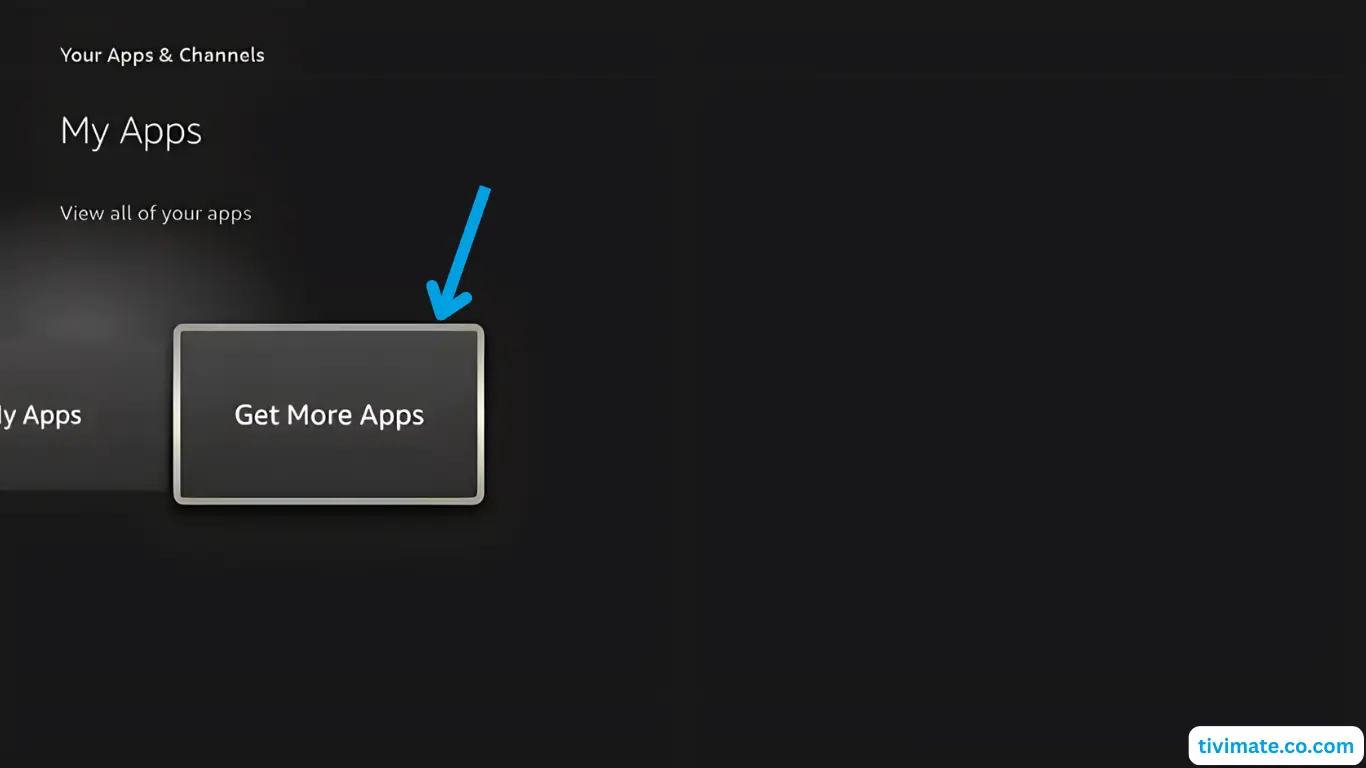
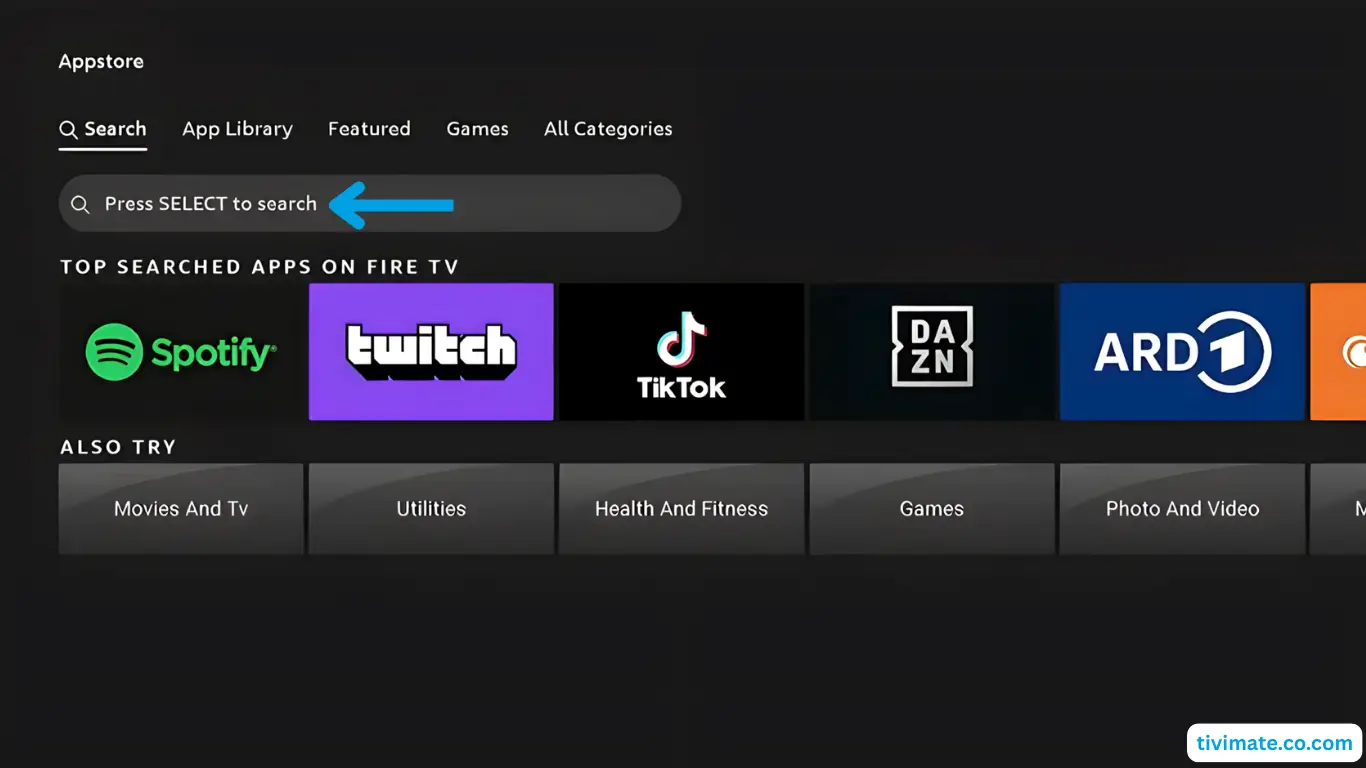
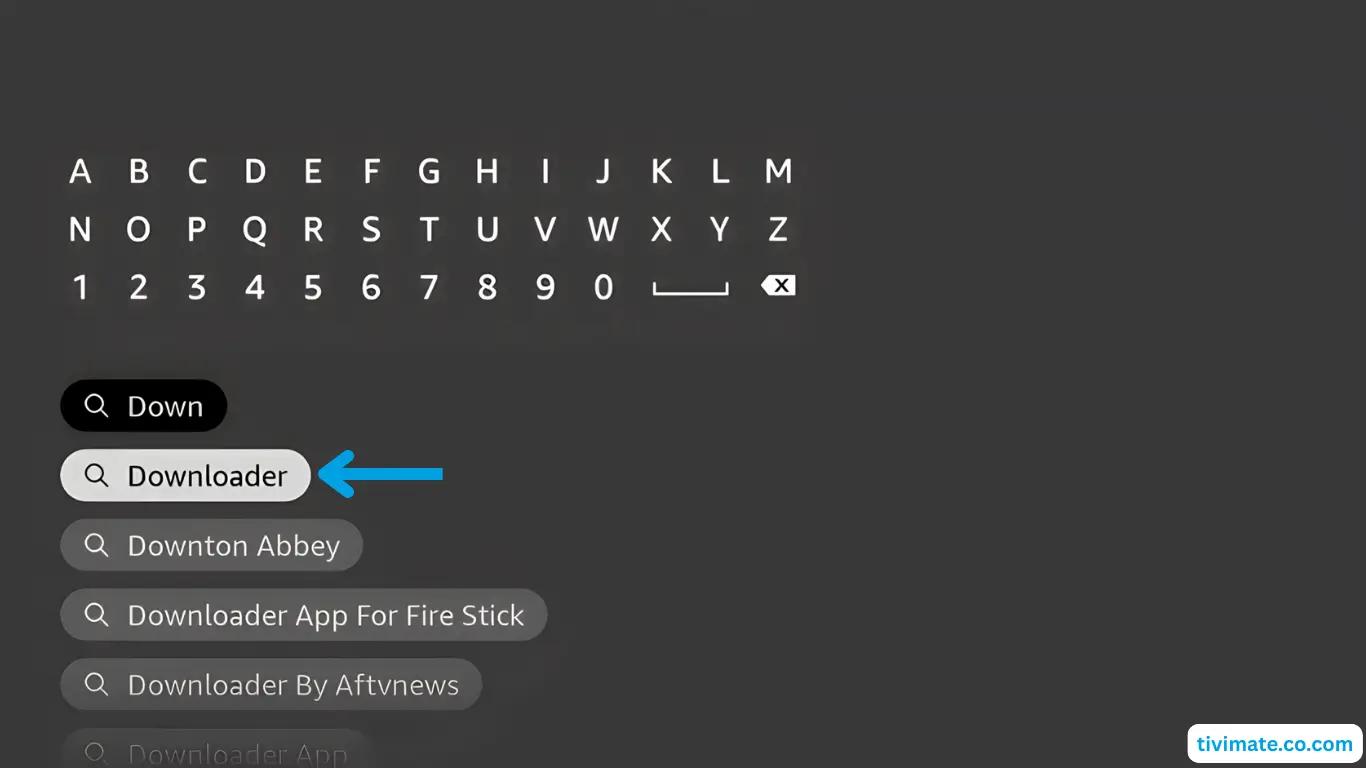
Fire TV Stick, Android TV
Free
No server address needed. Our recommended player for Fire TV and Android TV.
iMPlayer
iPhone, iPad, Android phones
Free, with optional premium
A clean, modern player. A good first choice on phones and tablets.
Smarters Player Lite
iPhone, iPad
Free
A simple second option on Apple devices.
TiviMate
Android TV, Android phones
Free, with a paid premium
Known for its TV guide. Some features need premium.
Hot Player
Samsung, LG, Roku
Licence fee after a trial
Uses your TV’s MAC address. Used where there is no Play Store.
IPTV Smarters Pro
Windows, Mac
Free
A desktop player for laptops and PCs.
If something does not load
Work down this list. Most problems are fixed by the first four.
Check your internetAbout 15 to 20 Mbps is plenty for HD. Run a speed test on the same device.
Check your loginYour username, password and server details are case-sensitive. Type them exactly as we sent them.
Update the player appAn old version of a player app can fail to load channels or crash.
Restart everythingRestart the device, then restart your router or modem. It fixes more problems than anything else.
Try another server or turn off your VPNIf you use a VPN, switch servers or turn it off to test.
Clear the app cacheClear the player’s cache in your device settings, then open it again.
Use a cableA network cable to the TV is steadier than Wi-Fi, especially for 4K and live sport.
Setup questions
Which devices work?
Fire TV Stick, Android TV and Google TV, Samsung and LG smart TVs, Roku, Apple TV, iPhone, iPad, Android phones, Windows and Mac, Formuler, Dreamlink, BuzzTV and MAG boxes.
Do you support MAG boxes?
Yes. MAG boxes use the box’s MAC address. Send us the MAC address on WhatsApp, we register it, and we reply with the portal address to enter on the box. The MAG guide has the steps.
Which app should I use?
On Fire TV and Android TV we recommend V12Mate. iPhone and iPad can use iMPlayer or Smarters Player Lite. Smart TVs and Roku can use Hot Player. We tell you the best one for your device on WhatsApp. Open the setup guide.
Is the player app included in my plan?
Your plan includes the channels. The player app is a separate app. Some players are free and some charge a licence fee after a trial.
Is a Fire TV Stick good enough for IPTV?
Yes. A Fire TV Stick is one of the easiest and most popular ways to start. Follow the Fire TV steps in the setup guide.
Can I use one plan on several devices?
Yes. Your plan has a set number of screens that can watch at the same time, from 1 to 5. Message us on WhatsApp if you are not sure how many your household needs.
What internet speed do I need?
About 10 Mbps per screen for HD and about 25 Mbps per screen for 4K. An NBN 50 plan suits most homes, and NBN 100 is a good fit when several screens watch in 4K at the same time.
What if a channel stops working?
Message us on WhatsApp with the channel name and the device you are using, and we will help you sort it out. The tips in the setup guide fix most problems.
Nothing loads after I log in.
Check that your username, password and server details are typed exactly, because they are case-sensitive. Then restart the app and your device.
My picture keeps buffering.
Restart your router, move closer to it or use a cable, and close other downloads. If buffering is only on one channel, tell us the channel name.
The audio is out of sync with the video.
Stop the stream and start it again. If it keeps happening, try another channel or restart the app. If it only happens on one device, update the player app.
How do I turn on subtitles?
Subtitles are a feature of your player app. Look for a subtitles or closed captions button while a channel or movie is playing. Not every channel has them.
Can’t find your device?
Tell us what you watch on and we will find the right player for it.