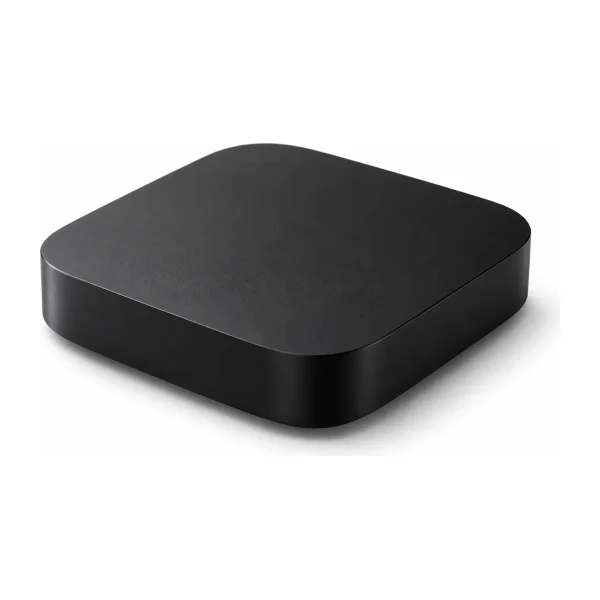
IPTV runs in a player app, so the real question is which device runs the player you want, steadily, for years. The right choice depends on the TV you own, how many rooms you want to cover and how comfortable you are with setup. This guide compares every common option and ends with a simple way to choose.
Device comparison
| Device | Good for | Watch out for |
|---|---|---|
| Fire TV Stick | Most households. Simple to set up, widely used. | Newer Vega OS models cannot install some players. |
| Android TV or Google TV | Smooth menus and many apps, built into some TVs. | Very cheap boxes can be slow and stop getting updates. |
| Samsung or LG smart TV | No extra device needed. | Fewer player choices. Usually uses Hot Player with a MAC address. |
| Apple TV | Apple households and very smooth apps. | Higher price than a stick. |
| Roku | People who already own one. | Uses Hot Player and a MAC address. |
| Phone or tablet | Watching anywhere in the house or away from home. | Mobile data adds up quickly. Prefer Wi-Fi. |
| Windows or Mac | A desk, a spare room or a work laptop. | Needs a desktop player. |
| MAG, Formuler or BuzzTV box | Dedicated boxes with their own remote. | MAG needs a MAC address that we register for you. |
Fire TV Stick
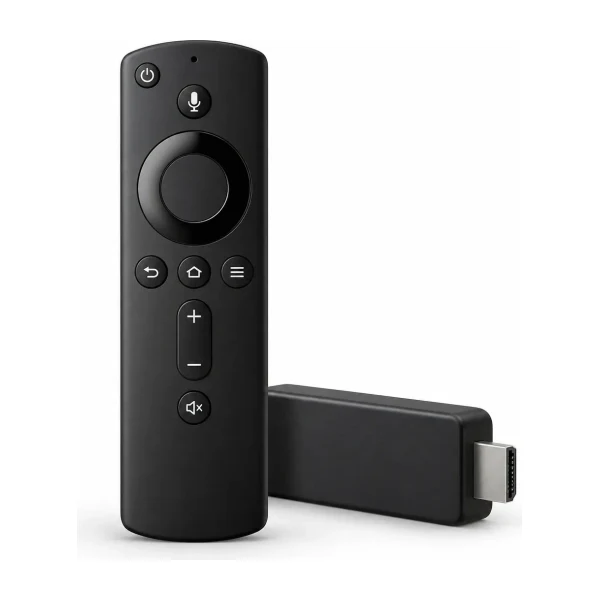
It plugs into the HDMI port, connects to Wi-Fi and runs the players we recommend. Setup takes about ten minutes, and our Fire TV step-by-step covers every setting. A 4K model is worth it if you have a 4K TV and want 4K channels where they are offered. A standard model is enough for HD.
Android TV and Google TV
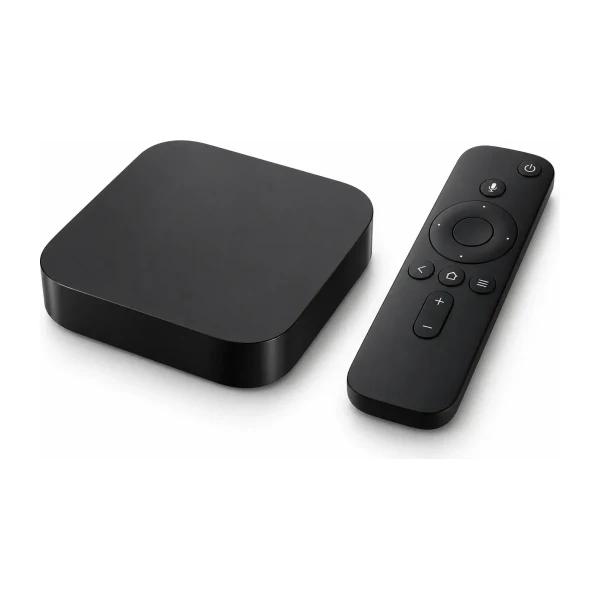
Many TVs and set-top boxes run Android TV. It has a full app store, so you can choose between several players, and V12Mate and TiviMate both work well. The main risk is cheap, unbranded boxes that start fast and slow down within a year. Choose a known brand, or a TV that has Android TV built in.
Samsung and LG smart TVs
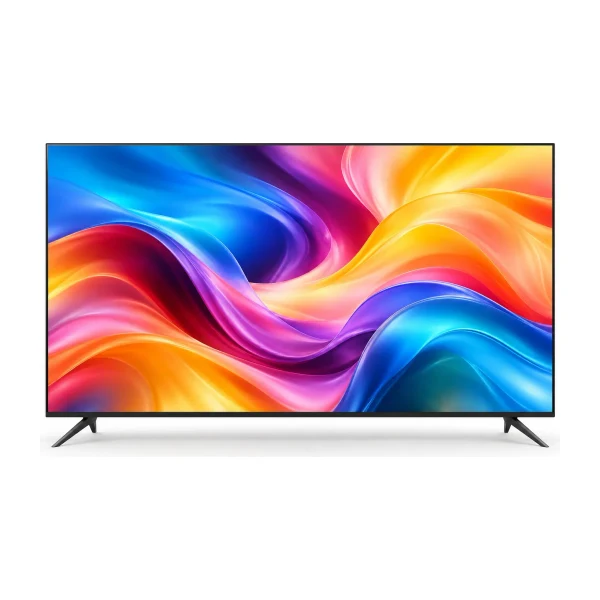
Built-in apps mean you do not need to buy anything, which makes smart TVs attractive for a bedroom or a spare room. The trade-off is fewer players and a slightly longer setup: apps such as Hot Player show a MAC address on screen, and you enter your playlist details on a website. Our installation guide walks through it.
Apple TV, Roku and phones
Apple TV suits households that already use Apple devices and want the smoothest experience. Roku users follow the same MAC address method as smart TVs. Phones and tablets are perfect for the kitchen, the garden or a trip away, with iMPlayer or another app. Remember that mobile data is not unlimited, and every device that watches at the same time counts as a screen on your plan.
Dedicated boxes: MAG, Formuler and BuzzTV
These come with their own remote and a simple menu, which some people prefer. MAG boxes use the box’s MAC address, which we register, and then you enter a portal address. Formuler and BuzzTV use a username and password in a portal. If you are not sure which login type your box needs, read M3U, Xtream Codes and MAG portals explained.
Do you need to buy anything?
Not always. If you already own a smart TV, a streaming stick, a phone, a tablet or a computer, you can start with what you have. The only question is whether the player you want runs on it. If you do buy, a Fire TV Stick is the lowest-cost, lowest-risk choice.
How to choose
- Main living room TV. A Fire TV Stick or a good Android TV box usually gives the smoothest experience.
- Bedroom or kids’ room. A second stick, or the TV’s built-in apps.
- Away from home. A phone or tablet with a player app.
- Several screens at once. Check how many screens your plan includes. This guide shows how to count.
- Your internet. Whatever you buy, a cable is steadier than Wi-Fi. See our NBN speed guide.
Cable or Wi-Fi?
A network cable is the steadiest, especially for 4K and live sport. If you use Wi-Fi, the 5 GHz band and a position close to the router help. Streaming sticks do not have a network port unless you buy a small adapter, so for a stick in a hard-to-reach room, a mesh system is often the better answer.
If you are starting from zero: three budgets
- Lowest cost: a Fire TV Stick. It is the cheapest way to turn almost any TV into an IPTV screen, and our setup guide covers it step by step.
- Best all-round: a known-brand Android TV or Google TV box, or a TV with Android TV built in. You get a smoother interface and more choice of players.
- Premium and simplest: an Apple TV 4K if you already live in the Apple world. It costs more, but it is fast and well supported.
Mistakes to avoid when buying
- Buying a very cheap unbranded box with no updates.
- Buying a new Fire TV model without checking that it runs Fire OS rather than Vega OS.
- Buying a 4K device for a TV that is not 4K.
- Ignoring the router. The best box in the world cannot fix a weak Wi-Fi signal.
- Buying several devices before checking how many screens your plan needs. This guide explains how to count.
When in doubt, message us with the TV you own and the rooms you want to cover. We will tell you what is likely to work, before you spend anything on hardware.
Questions people ask
Is a cheap Android box okay?
Some are fine, but very cheap boxes can be slow and stop getting updates. A Fire TV Stick or a known brand is usually a safer buy.
Can I use my smart TV without a stick?
Often yes, using a player from the TV’s app store. Samsung and LG TVs usually use Hot Player, which needs a few extra steps.
Is Apple TV worth it?
If you already use Apple devices, yes. If not, a Fire TV Stick costs much less.
Can I use an older TV?
If it has an HDMI port, a streaming stick makes it work. If it has no HDMI port, it is probably time to replace it.
Which device is best for 4K?
A 4K Fire TV Stick, a 4K Android TV box or Apple TV 4K, together with a 4K TV and about 25 Mbps for each 4K screen.
 Setup
 Setup
 Plans and prices